← Back to Blog
How to Register a New KangaCode Account

How to Register a New KangaCode Account

KangaCode2 min read
KangaCodeBeginnerGuideRegistrationKangaCode sign up

Join the adventure in a few simple steps and start your coding journey!


📋 Preparation

Before you begin, please make sure you have the following ready:

  • A valid Email account
  • About 3-5 minutes
  • A stable network connection

🚀 Step 1: Go to the Registration Page

You can access the registration page through two methods:

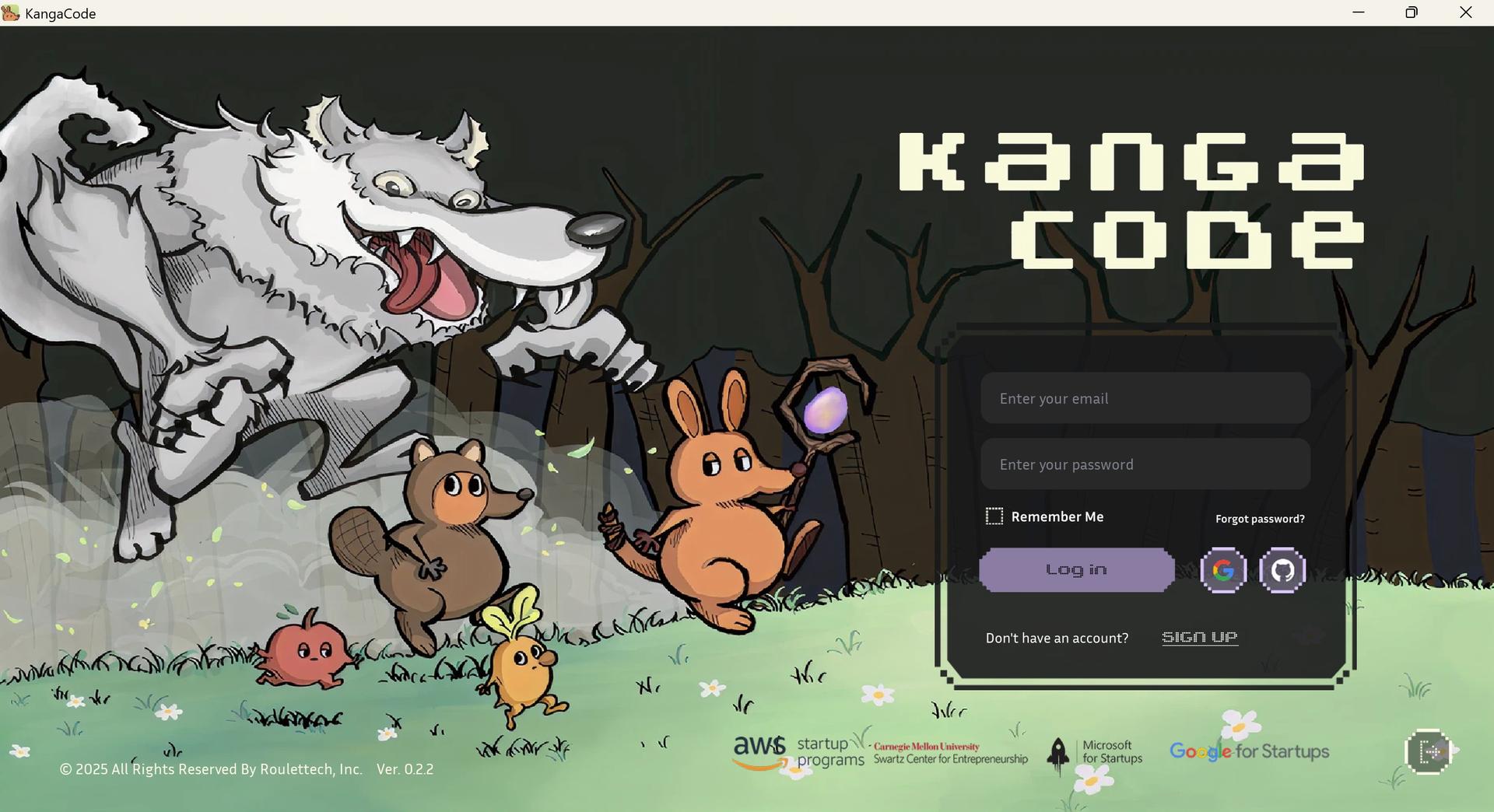
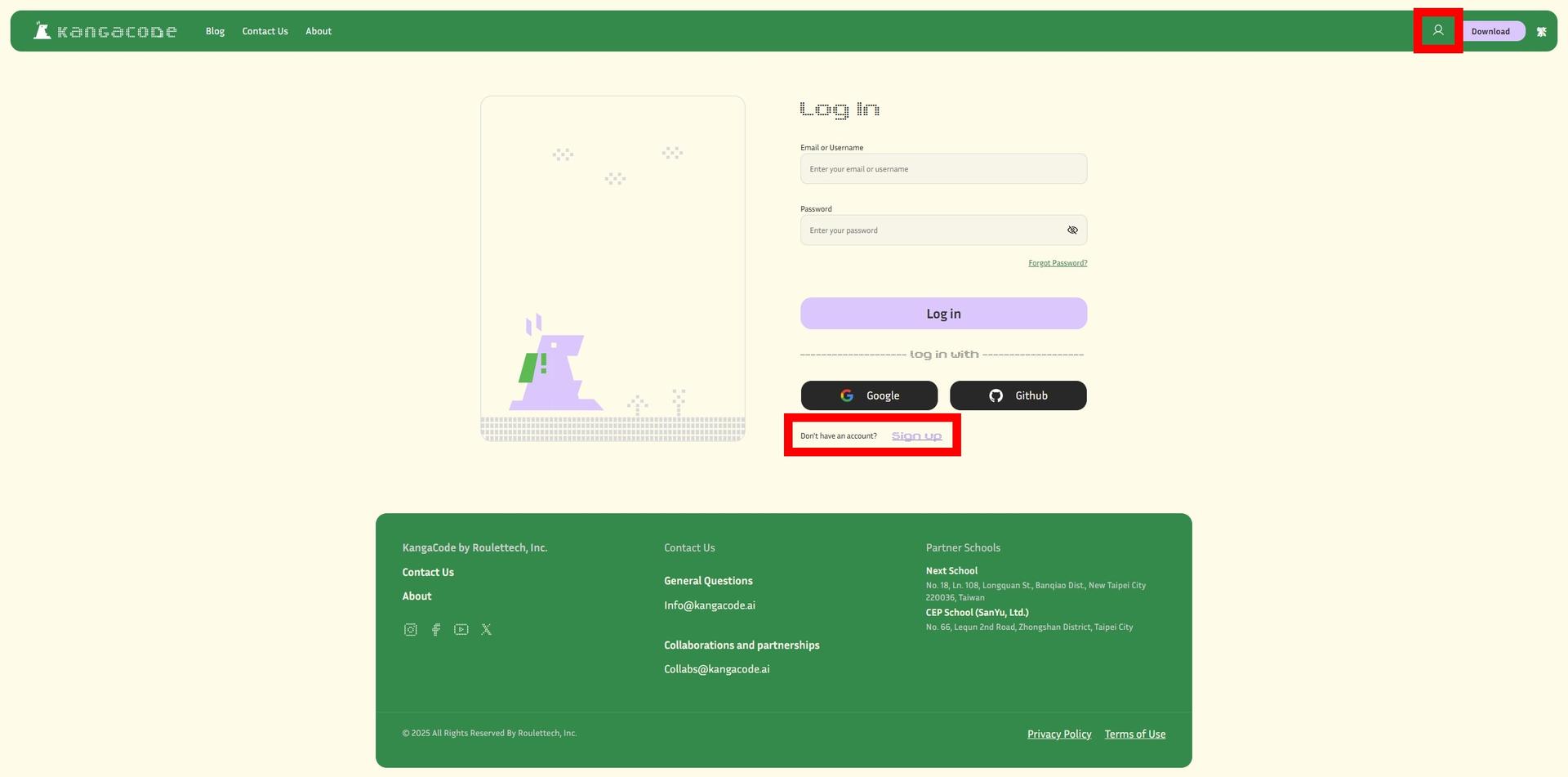
  1. Create Account In-Game: Tap the SIGN UP button on the game login screen. messageImage_1768373548806.jpg
  2. Register on Official Website: Click the profile icon at the top right, then select Create Account. 1768461747896.jpg

🛠 Step 2: Choose Registration Option

We offer two convenient sign-up options based on your preference:

Option 1: Manual Registration (Create New Account)

Choose this option to create a dedicated KangaCode account with personalized settings and complete learning records.

1. Fill in Basic Information (All fields are required)

You will need to provide your Country, Gender, Date of Birth, Name, and set a Nickname.

2. Set Password For account security, your password must meet the following requirements:

  • Minimum of 6 characters
  • At least one uppercase letter
  • At least one lowercase letter
  • At least one number
  • At least one special character

💡 Password Tips:

  • Good Examples: MyGame2024!, Kanga@Code99
  • Avoid: 123456, password, qwerty (Too simple and easily cracked).

3. Verify Your Email

After clicking Sign up, a 6-digit verification code will be sent to your email (Sender: info@kangacode.ai). Enter the code and click Verify & Continue to complete registration.

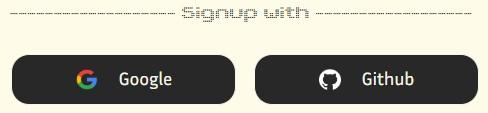
Option 2: Quick Sign-up (Google / GitHub)

Sign in directly with your existing account to save time. messageImage_1768460673818.jpg

  1. Select Google or GitHub to log in instantly.
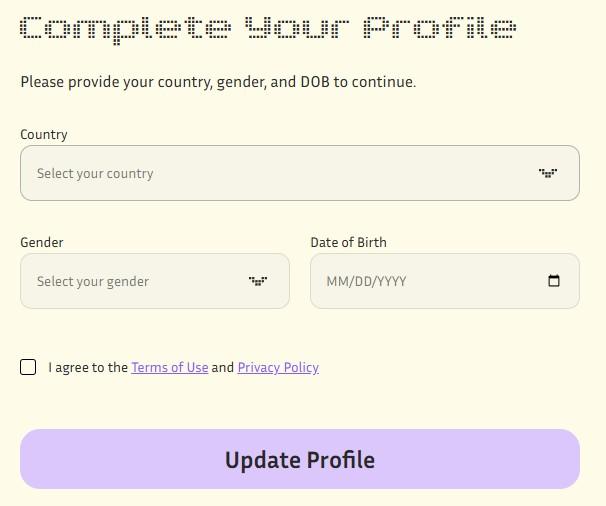
  2. After the first login, you must provide your Country, Gender, and Date of Birth to complete your profile.
  3. Agree to the Terms of Use and click Update Profile.

messageImage_1768461082510.jpg


🎮 Step 3: Registration Successful!

Congratulations! You are now ready to explore the world of KangaCode.

  1. Return to the Game: Switch back to the KangaCode application.
  2. Log In: Enter the email and password you just registered.
  3. Start the Game: Click the Login button and begin your journey!.

❓ FAQ

Q: What if I forgot my password? A: Click "Forgot Password?" on the login screen. We will send a password reset code to your registered email.

Q: Didn't receive the verification email? A: Please check your spam folder, or click "Resend verification code" on the registration page.

Q: Why did my game progress disappear? A: Important: Using different sign-up methods (Email, Google, or GitHub) with the same email address will create separate, independent accounts. Data is not shared between them.

Q: Can I change my registration details? A: Yes. After logging in, you can update some info in your Profile. However, the Email address cannot be changed.


Start Your KangaCode Adventure Now!