The Complete Guide to Coding Education for Kids (For Elementary, Middle, and High School)
In 2026, with the rapid advancement of AI, more and more parents are starting to ask the exact same questions:
Is coding education for kids really necessary?
What is the best age to start?
Is playing around with Scratch enough, or should they learn a real programming language?
Isn't Python too difficult?
There is a lot of information out there, but the answers are scattered. Some say the earlier the better, while others say there's no rush. Some emphasize block-based learning, while others advocate for jumping straight into real programming languages.
This Complete Guide to Coding Education for Kids and Teens will clearly map out a learning path that truly suits your child, covering:
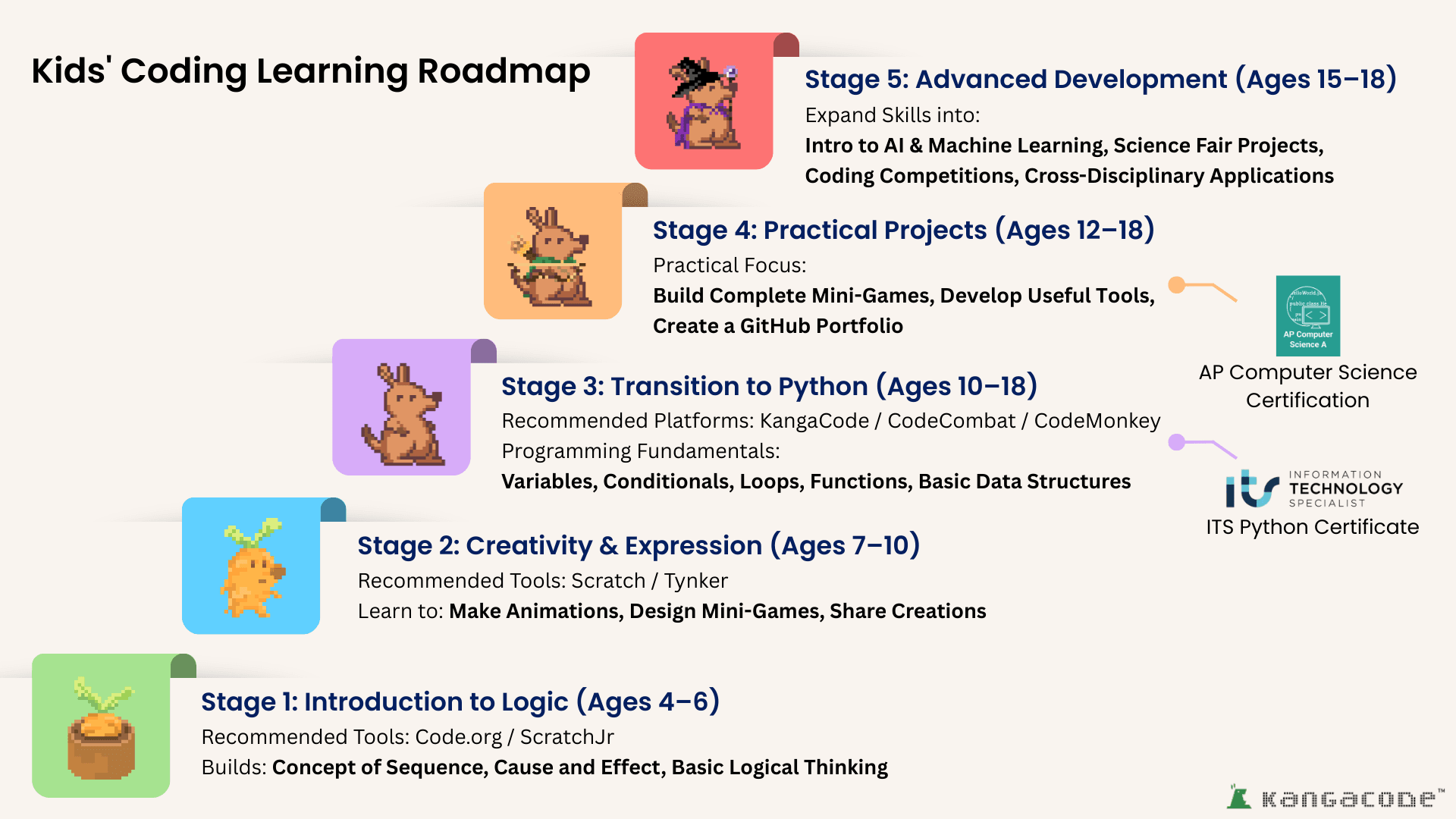
Recommendations for the best age to start learning
Why many kids get stuck on Scratch and struggle to transition to real programming languages
The core differences between Scratch and Python
How to properly bridge the gap in teen coding education
Gamified coding: Is it actually effective, or is it just for fun?
We hope this article serves as a clear roadmap for parents planning their child's learning journey, rather than just another source of anxiety.
I. Why is Coding Education for Kids/Teens More Important in 2026?
You've probably noticed it in recent years: AI is getting stronger, automation is becoming more widespread, and many jobs are being redefined. When today's children enter the workforce in 10 years, they will be stepping into an era of full-scale human-AI collaboration.
In the next 10–20 years, the working environment for our children will likely look like this:
AI tools will be essential at work
Processes will be highly automated
The ability to read data and make decisions will be crucial
Cross-disciplinary integration will become a fundamental skill
We cannot predict what professions our children will choose, but one thing is certain: "thinkers" will always be more valuable than mere "operators."
The essence of kids' coding education isn't actually about turning children into engineers.
Instead, through learning to code, it trains children to:
Think logically about problems
Break down difficulties into solvable small steps
Design their own solutions
Be willing to try and correct mistakes when facing errors
These are the true skills that are not easily replaced by AI.
II. At What Age Should Kids Start Learning to Code?
There is actually no such thing as "the earlier, the better." It depends entirely on the child's brain development stage. Different ages require completely different learning methods.
These tools use "graphical blocks," allowing children to understand concepts through dragging and combining:
What "sequence" means
Why pressing this causes that to happen (cause and effect)
That instructions follow a logic
At this stage, it's more like playing with a "logic toy" than writing code. The goal isn't to make the child a coder, but to get them used to thinking: "If I do this... what will happen?"
Ages 7–10: Creativity Development Period (Starting to create real projects)
During the elementary school years, a child's abstract thinking skills begin to form. This is the time to introduce more comprehensive, creation-oriented platforms.
Common learning tools include:
Scratch - A graphical programming platform developed by the MIT Media Lab, allowing kids to create games and animations by dragging blocks, fostering logic and creativity.
Scratch
Tynker - A kids' learning platform centered on "drag-and-drop block coding," helping children easily build logical and computational thinking. Tynker
Children at this age aren't just arranging instructions; they can start to:
Create their own animations
Design small games
Share their projects with a global community
This is a profoundly important period in a child's coding education. Because for the first time, a child will feel:
👉 "Wow, I can actually create things."
And this sense of creation is often more important than the technical skills themselves.
Ages 10–18: The Critical Period for Transitioning to Python (From playing to true understanding)
Many parents ask:
"If they can already make games in Scratch, why do they still need to learn Python?"
The answer is actually quite simple: Scratch is for graphical logic training, but Python is a real programming language.
The ages of 10–18 represent a period of rapid growth in a child's abstract thinking abilities. If the transition is handled well during this time, the child will move from "snapping blocks together" to "truly understanding program structures and solving real problems."
At this stage, children should begin to learn:
Variables
Conditional statements (if)
Loops
Functions
Basic data structures
In other words, it's not just about making a character move, but understanding why it moves.
This transition is where coding education truly creates a gap in skill levels.
What teaching platforms or software are suitable for transitioning to Python?
At this stage, choosing the right learning tool is crucial. Currently, common gamified programming learning platforms on the market include:
CodeCombat - A US-based gamified coding platform that guides students to write actual Python through mission levels, founded by Oberlin College alumni.
image
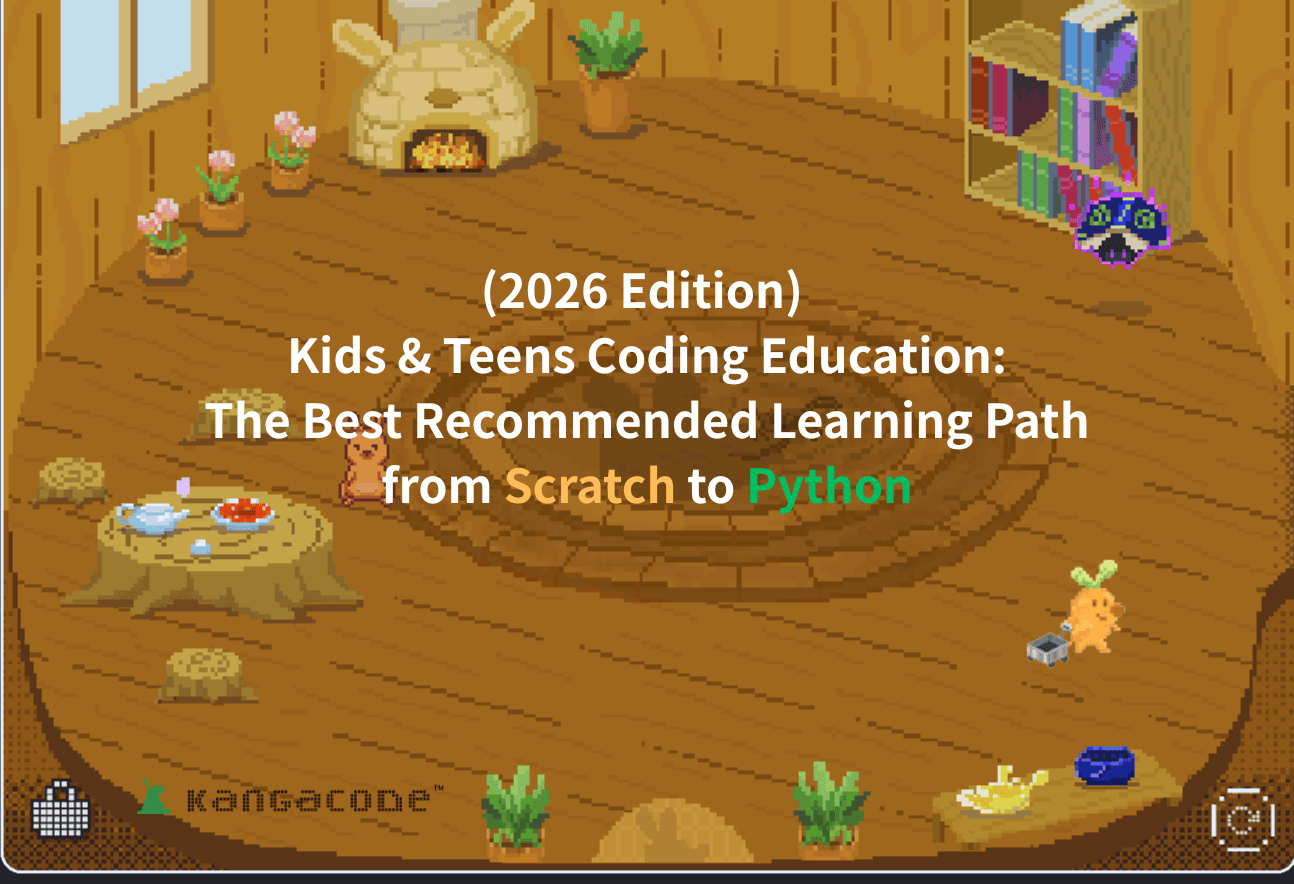
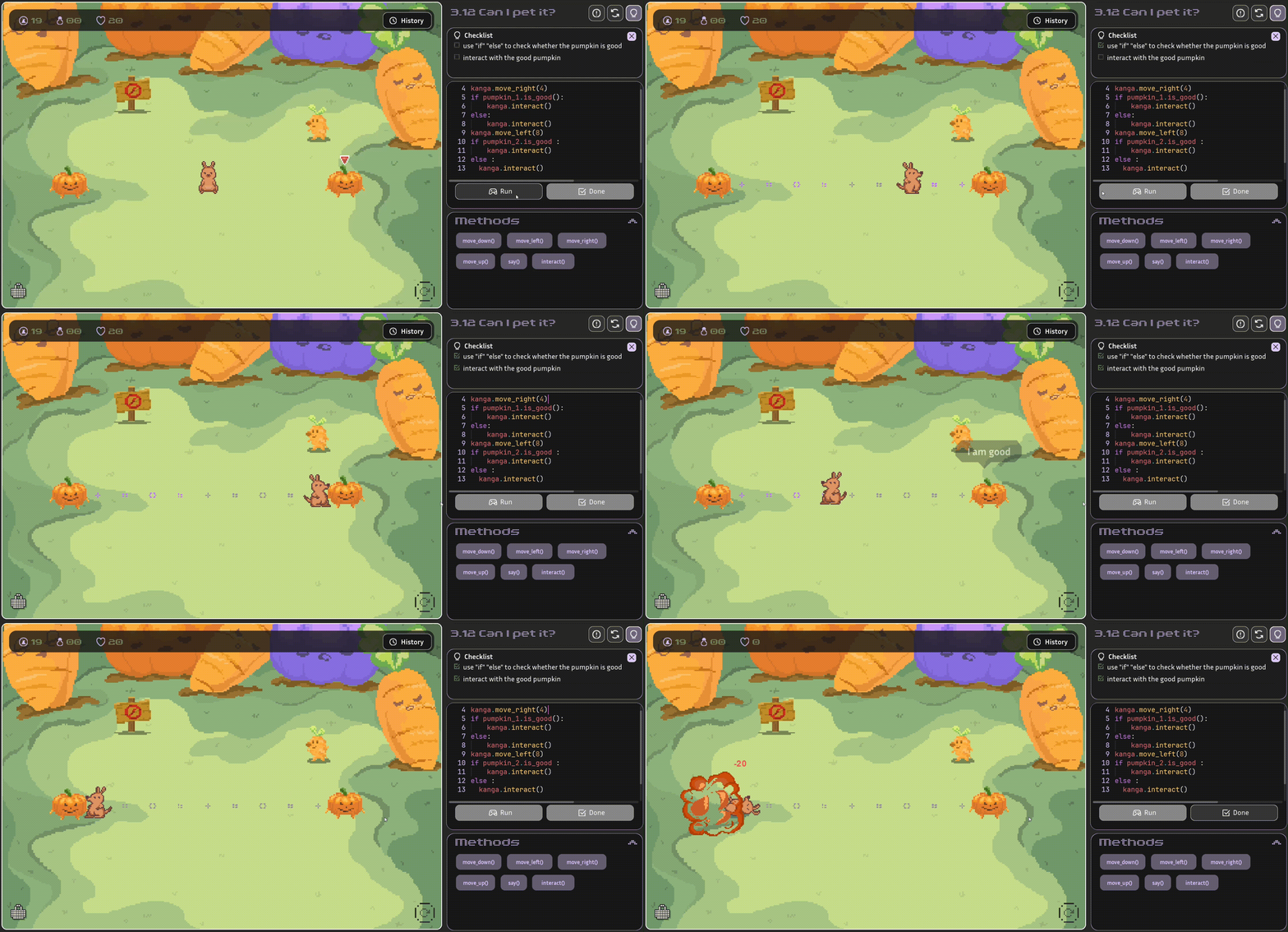
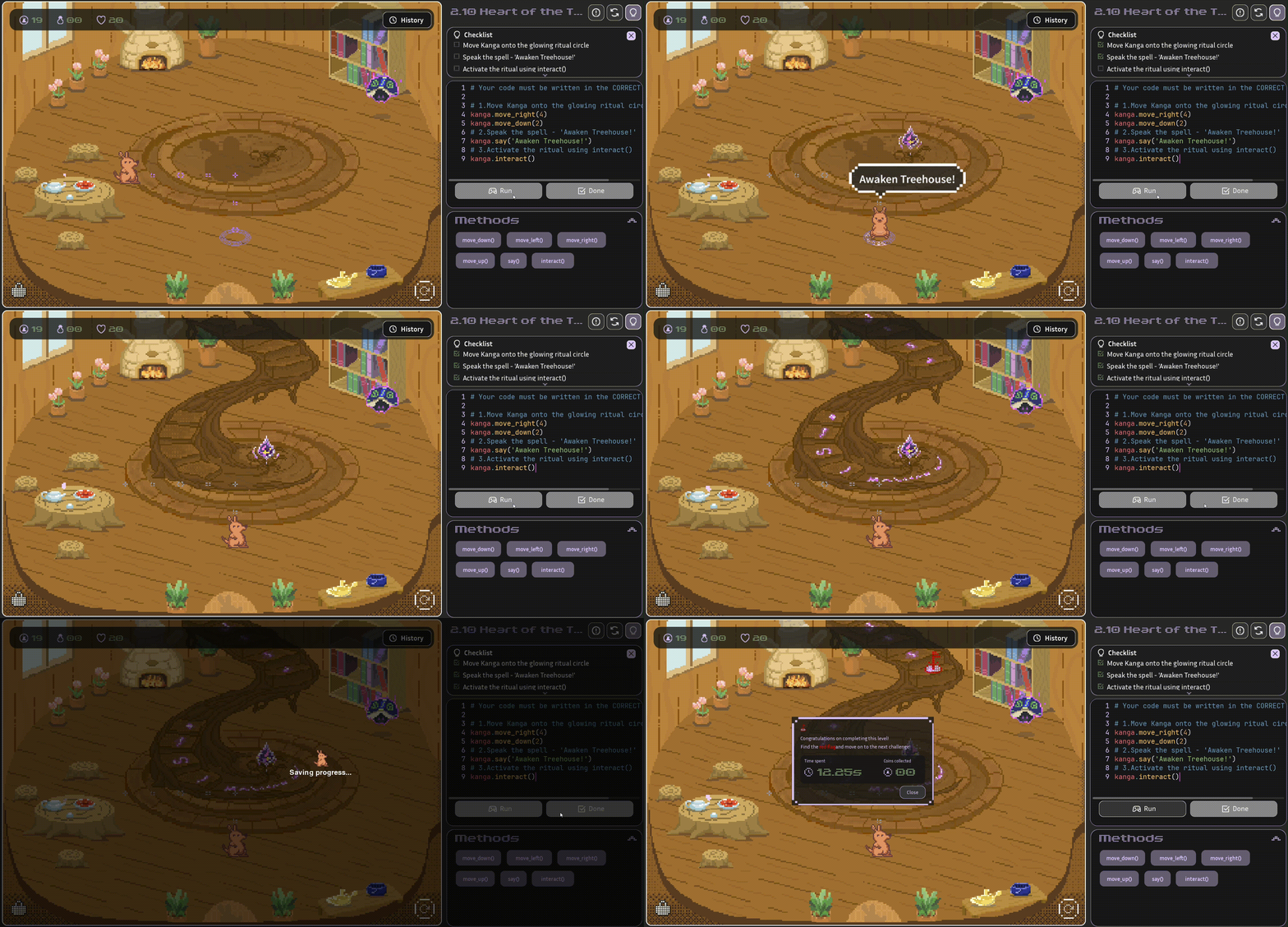
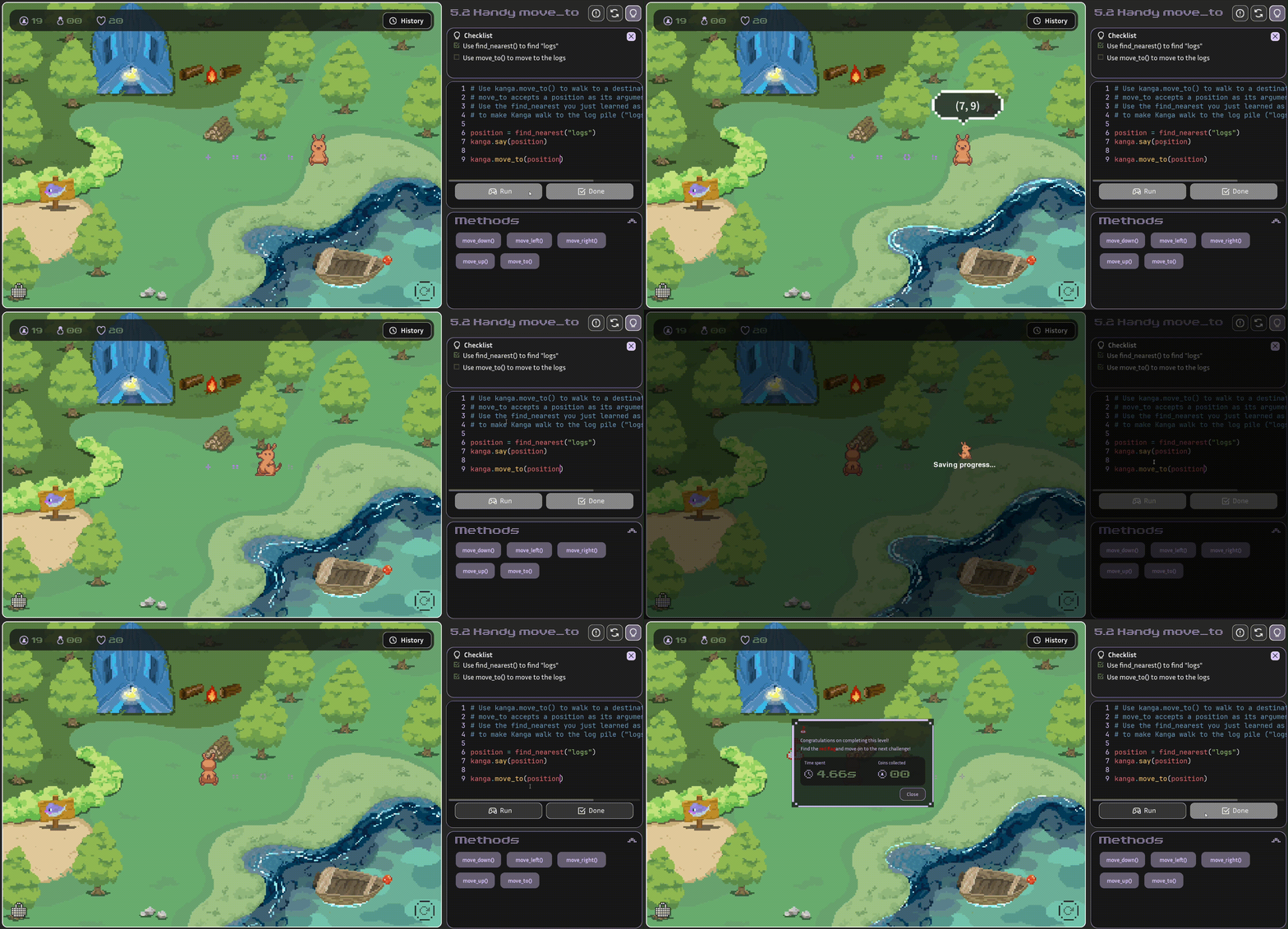
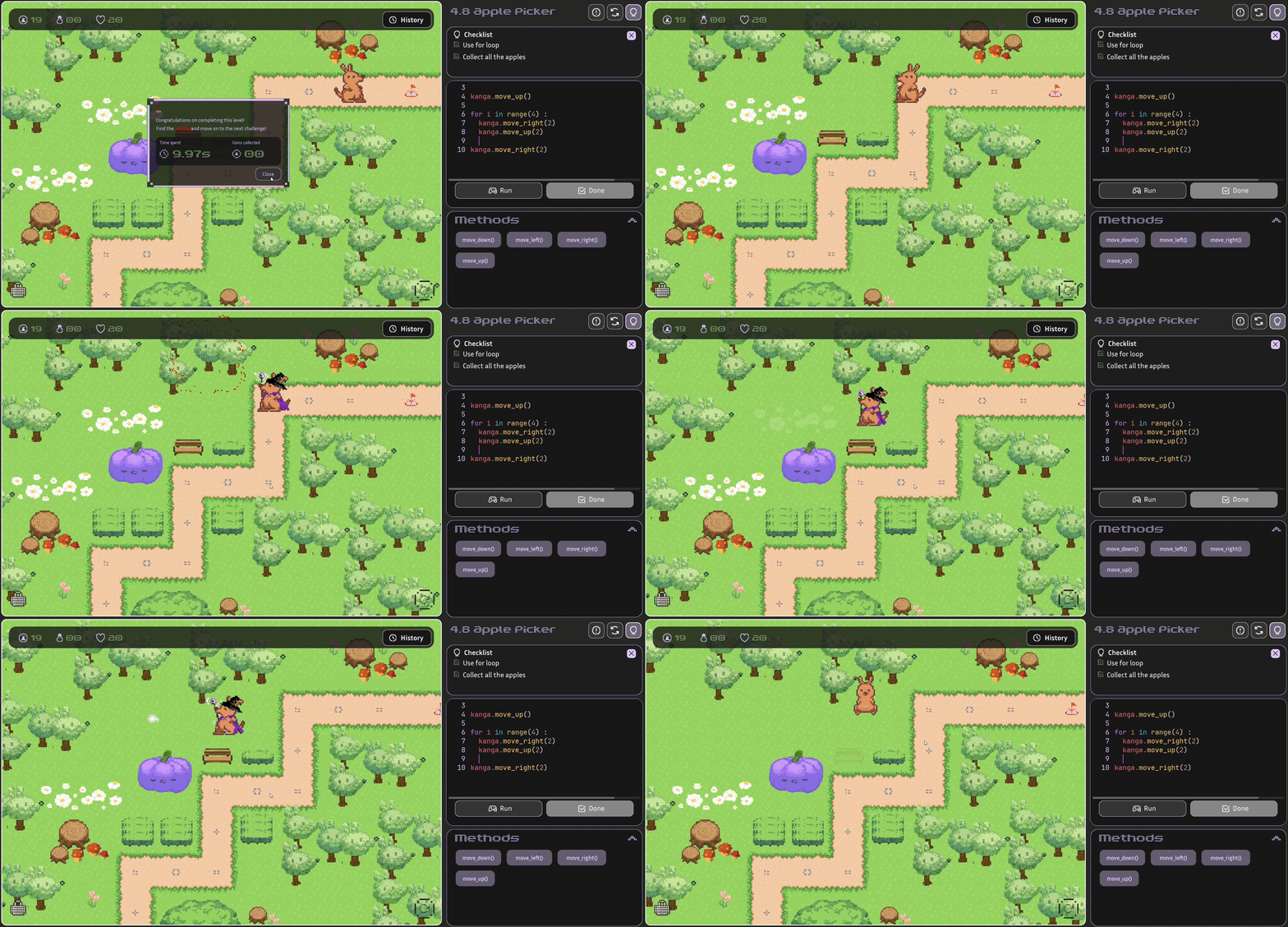
KangaCode - A US-based RPG gamified coding learning software that guides students to write actual Python through character missions and level designs. Founded by alumni of Carnegie Mellon University and the University of Pittsburgh, and supported by the Carnegie Mellon University Swartz Center for Entrepreneurship.
CodeMonkey - A gamified coding platform founded in Israel, later acquired by the Chinese edtech company TAL Education Group.
image
The common features of these platforms are:
Letting children write actual Python within a game or mission
Reducing syntax anxiety through level progression designs
Translating logical concepts into real code
III. Why Do Many Kids Get Stuck on Scratch and Struggle to Transition to Python?
This is a very common issue, yet it is rarely explained clearly.
There are usually three reasons:
1️⃣ Too used to "dragging and dropping", not used to typing
There are almost no syntax errors in Scratch.
But in Python, you have to type commands yourself and debug them yourself.
Many kids get frustrated the first time they encounter an error message, feeling like "Maybe I just can't do this."
2️⃣ Failing to establish the concept of "text-to-logic mapping"
In Scratch, an if statement is just a blue block.
But in Python, it becomes:
if x > 10:
print("Greater than 10")
There are no color hints, no block shapes—just colons, indentation, and syntax rules.
Without a transitional design in between, children feel like they have suddenly switched to an entirely different language.
3️⃣ The learning process focuses only on results, not understanding
Many block-based courses emphasize "making a project," but fail to ensure the child understands the underlying logical structure.
For example, a child might know to:
Move the character 10 steps
Bounce off the edge
Add 1 to the score
But if you ask them:
Why did the variable change?
Why does the condition have to be met to execute?
How do you write this logic out in text?
They might not be able to explain it clearly.
The result is: they can put together a project, but aren't sure what they actually understand.
IV. Core Differences Between Scratch and Python
Feature
Scratch
Python
Type
Drag-and-drop graphical blocks
Real text-based programming language
Learning Goal
Establishing logical concepts
Building coding syntax and systems thinking
Entry Difficulty
Low
Medium
Error Handling
Almost no syntax errors
Requires understanding error messages and debugging
Future Applications
Primarily education and creation
Education / AI / Automation / Science / Software Dev
GitHub Portfolio
Cannot be built
Can build a portfolio of real projects
Scratch is an excellent entry-level tool.
But if a child's future goals include:
AI
Software development (websites, apps, etc.)
Automation engineering
Machine learning
Building a GitHub portfolio
Participating in science fairs or coding competitions
Then transitioning to Python is an absolute must.
This is an unavoidable step in teen coding education.
V. Can Kids Really Learn Python?
Many parents worry:
Isn't Python too difficult for elementary schoolers?
The truth is, kids aren't afraid of syntax. Kids are afraid of being "bored."
If you teach Python using traditional methods, of course it's difficult.
But if you use a gamified approach to learning code, children will treat it like clearing levels in a game. That is the difference learning design makes.
VI. Is Gamified Coding Education Really Effective?
Many parents ask:
"Can you really learn anything by playing games to code?"
In fact, psychological research has long pointed out several key principles:
Intrinsic motivation lasts longer than mere external rewards.
Immediate feedback reinforces the learning effect.
Appropriately challenging tasks improve focus.
In other words, if learning makes a child "want to keep going," the results will be better.
The traditional classroom model is usually:
Write code → Teacher grades it → Wait for results
A child might have to wait a while to know if they were right.
But the gamified model is:
Write code → Character moves → Mission complete
The moment the code executes correctly, the child sees the result immediately.
This "instant sense of success" activates the brain's reward mechanism,
turning learning into active exploration rather than passively completing homework.
This is also why coding education for kids and teens has increasingly shifted toward gamified design in recent years.
Because the point isn't to turn learning into mere play, but to have children truly understand programming while in a state of deep engagement.
Raising Curious Minds: How to Foster a Lifelong Love of Learning for children
Curiosity fuels resilience, creativity, and lifelong learning. Discover how parents and educators can spark inquisitive thinking by honoring questions and creating an environment that invites exploration